
0ghost
Hunt the ghosts all around you, even over your camera view, and snap their picture. The 2009 ghost hunter is back.
iPhone and iPad

About 0ghost
Have you ever imagined your iPhone could become a ghost hunting device?
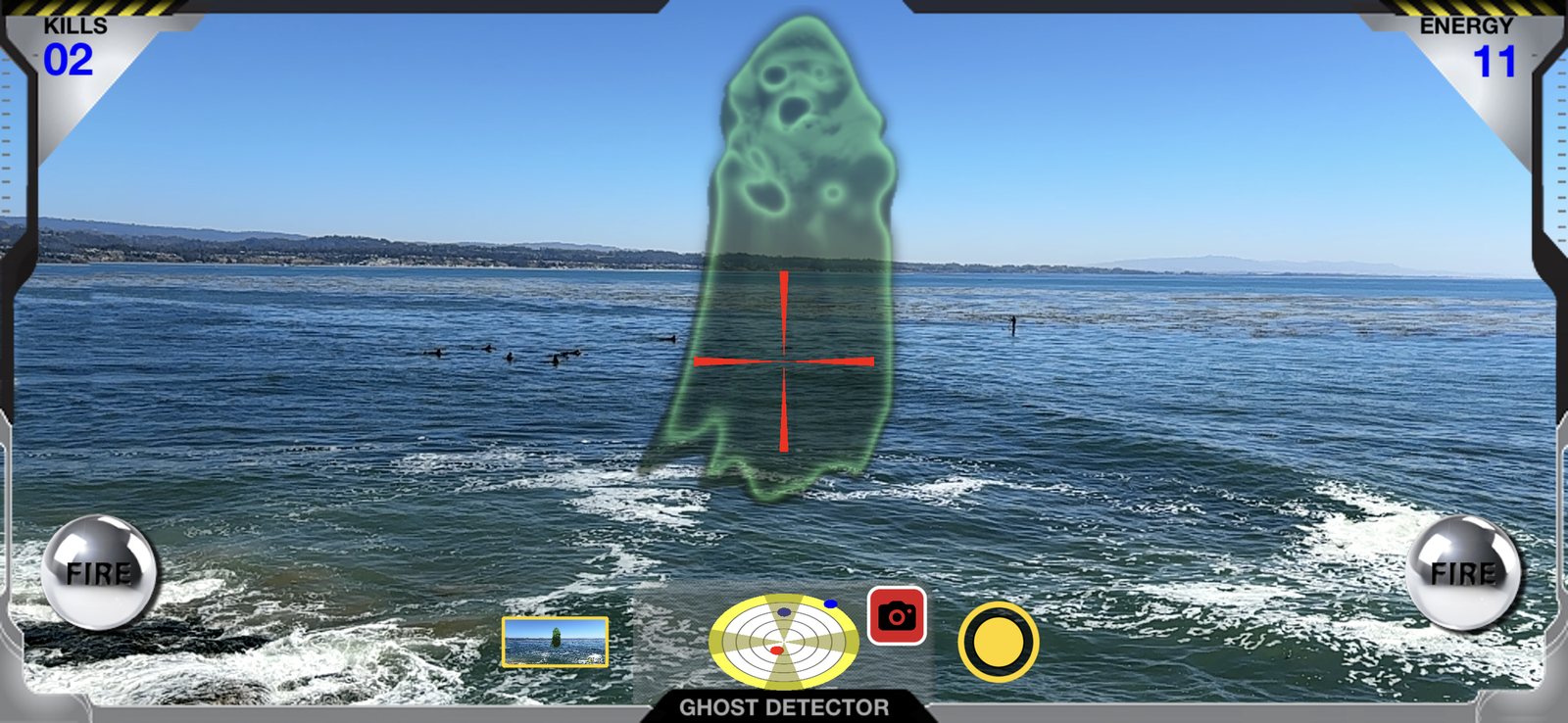
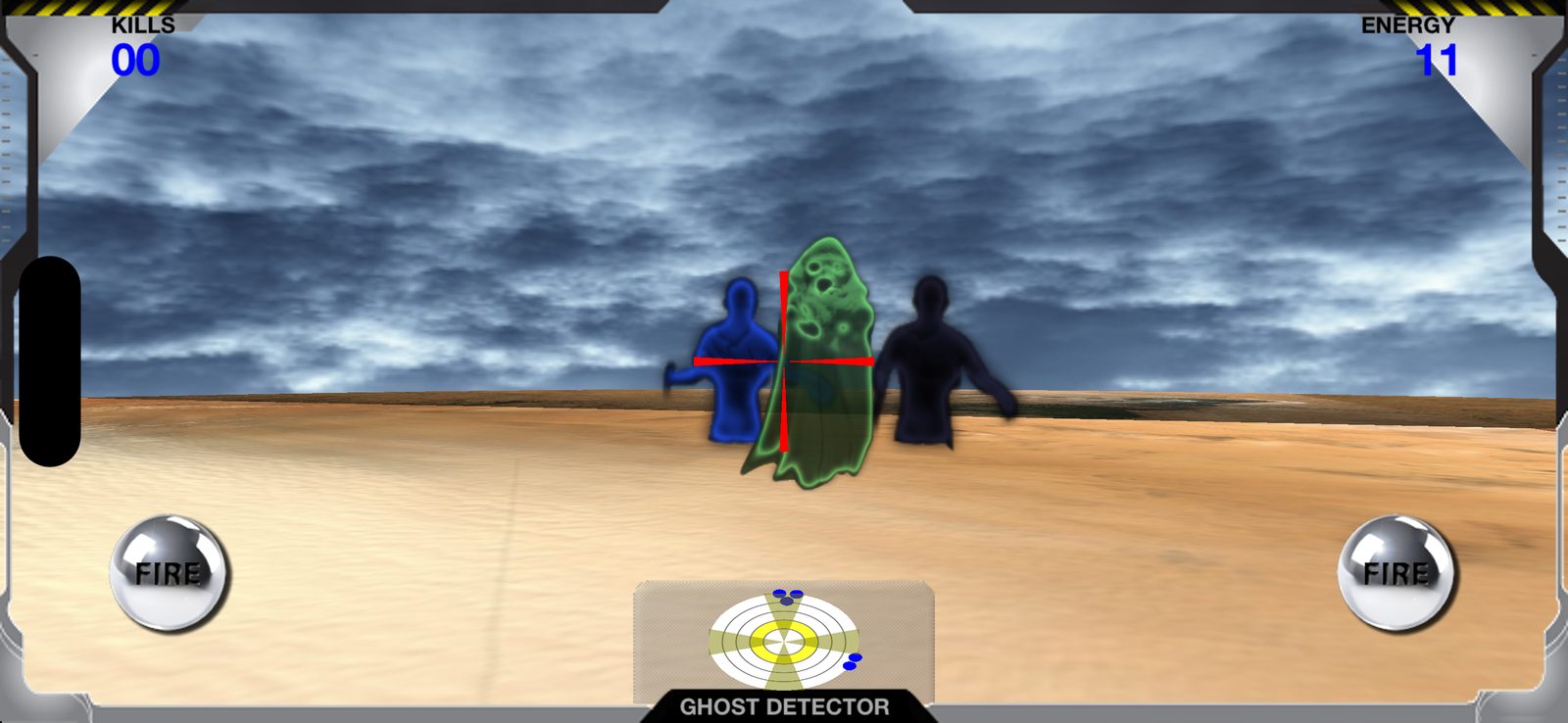
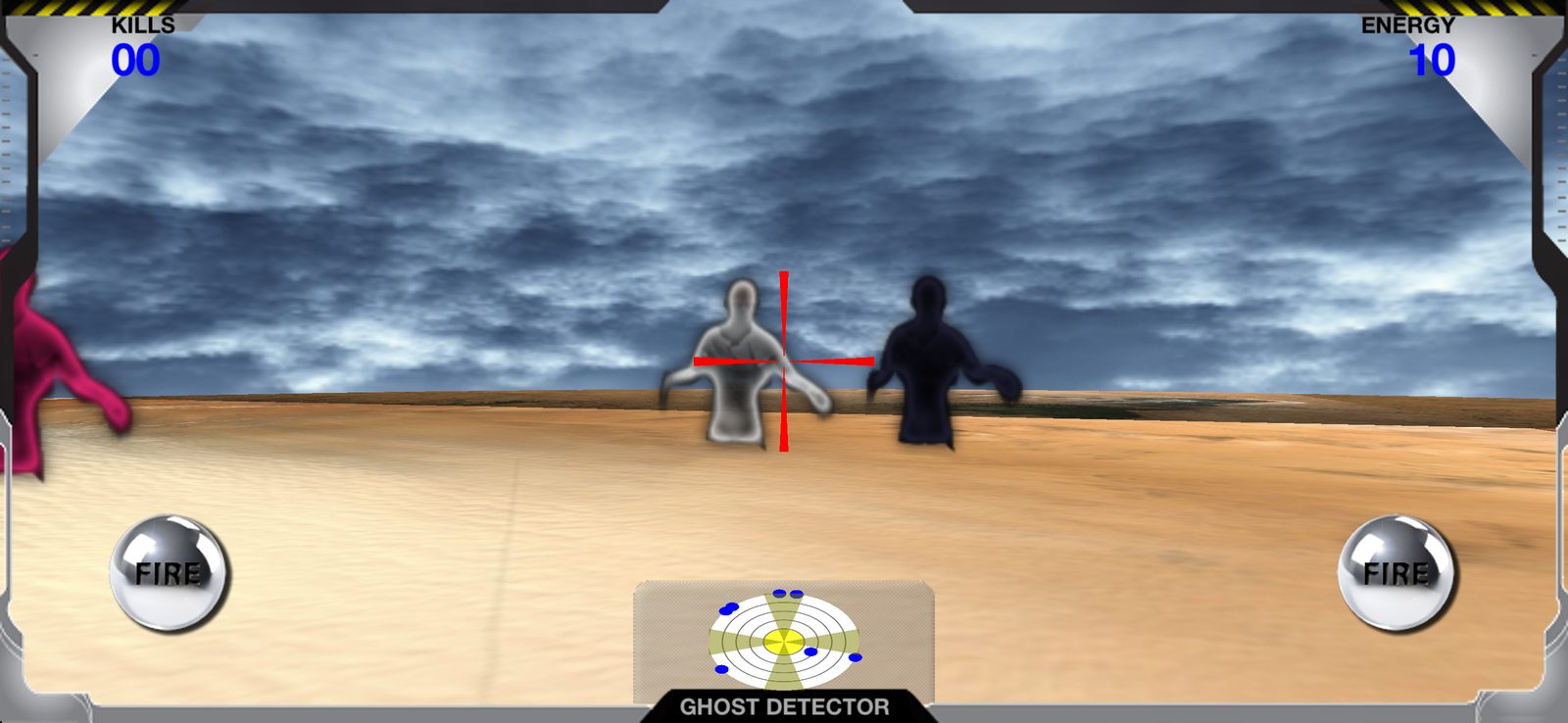
With its unique detector, 0ghost lets you discover the ghosts around you: turn around with your iPhone or iPad to look for them. When the ghosts find you, they attack and drain your energy. Fire your ectoplasmic cannons to destroy them before they destroy you, but watch the heat: the cannons overheat fast.
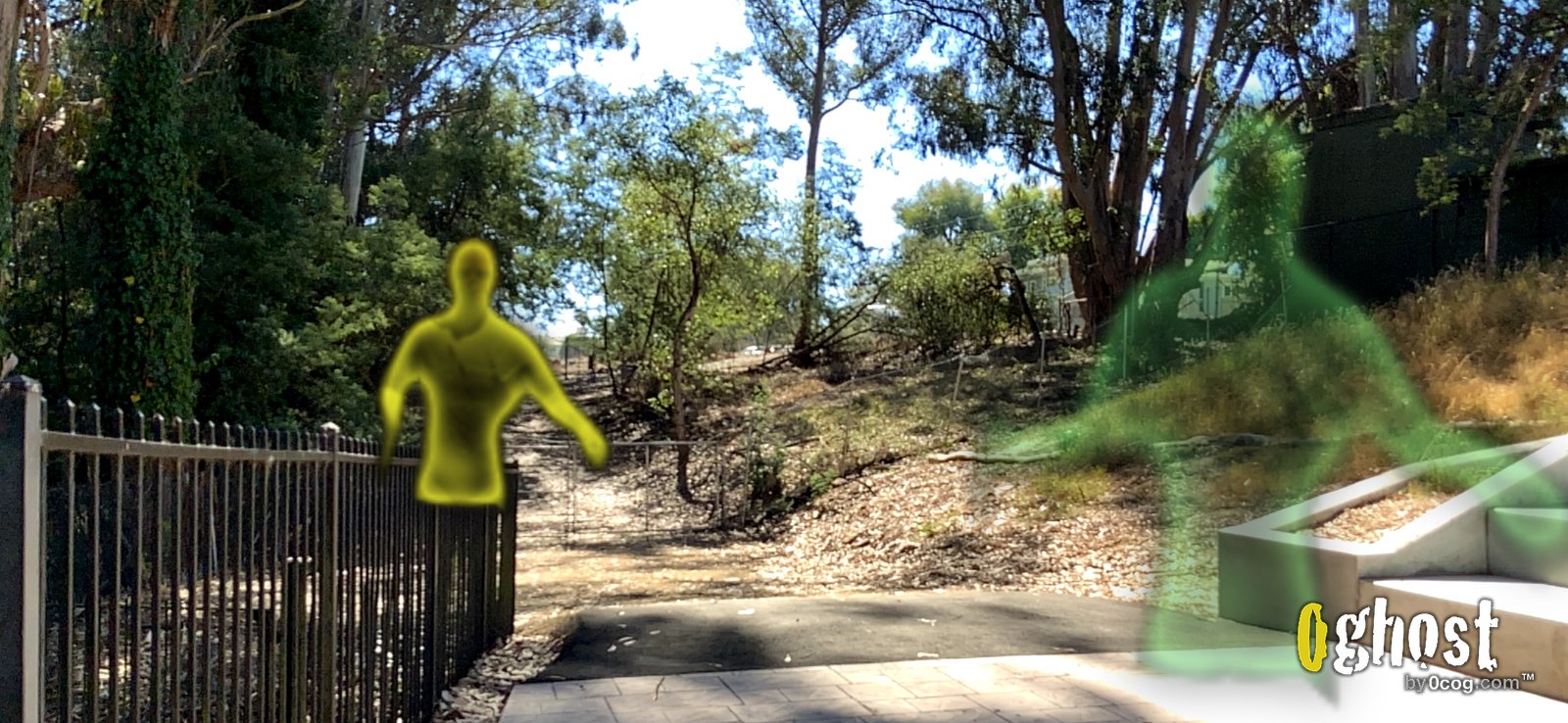
New in 8.1: tap the detector glass to see the ghosts all around you over your camera view, then tap the shutter to take their picture. Photos are saved to your Photos app with the 0ghost logo, ready to share with your friends.
0ghost first came out on the App Store in December 2009. This version brings back the original ghosts, zombies, menus and sounds, rebuilt for today's iPhone and iPad.
Features
- NEW: camera mode (AR), with the ghosts all around you over the camera view
- NEW: take photos of the ghosts, and share them
- Look around by turning with your device: the ghosts are all around you
- The original 2009 ghosts, zombies, menus, HUD and sounds
- A ghost detector, ectoplasmic cannons that overheat, and 12 energy points
- Top 10 high scores saved on your device
- English and French
- No ads, no accounts, no data collected