

0ghost Reloaded
Ghosts come at you from every side: destroy them or capture them, on iPhone, iPad and Android, or free in your phone's browser.
iPhone and iPad
- Play free in your browser
 Android
About 0ghost Reloaded
The ghosts are back, and they come at you from every side.
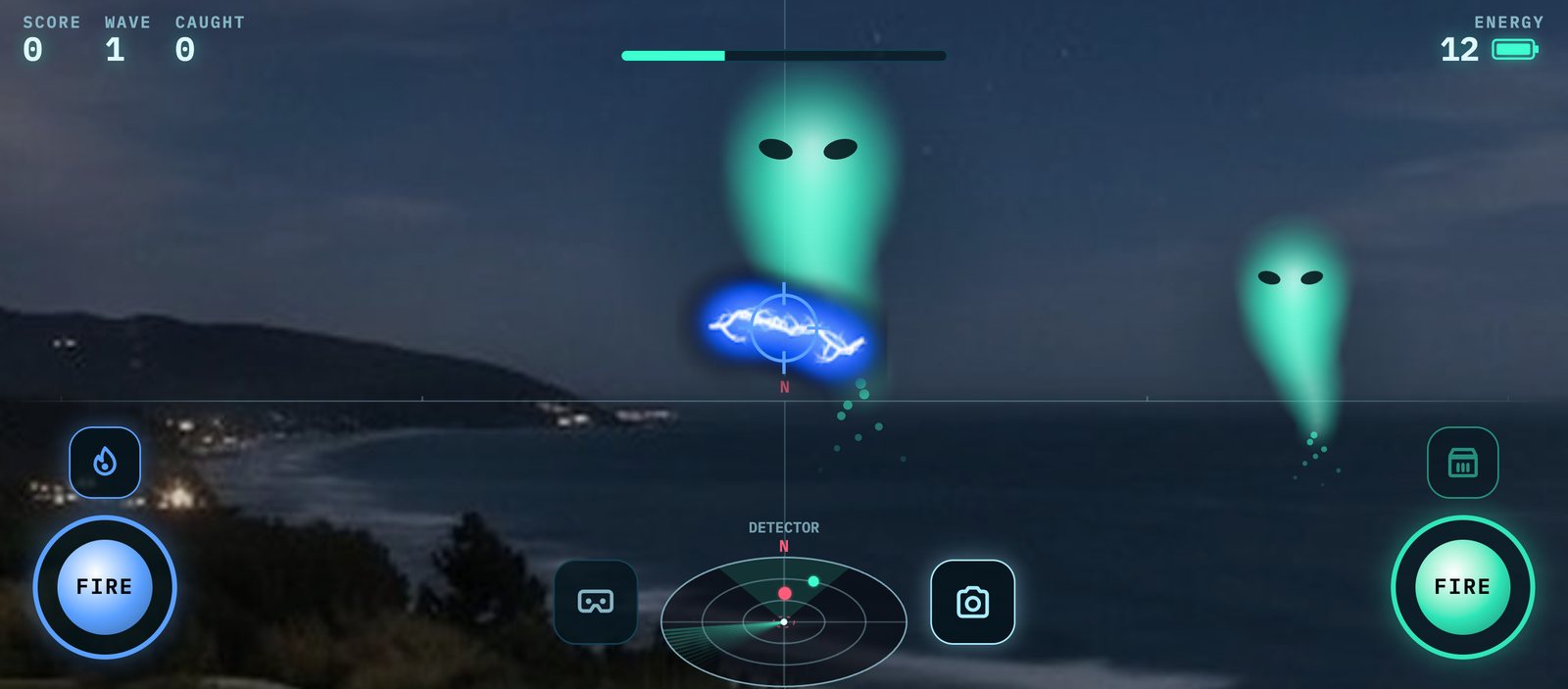
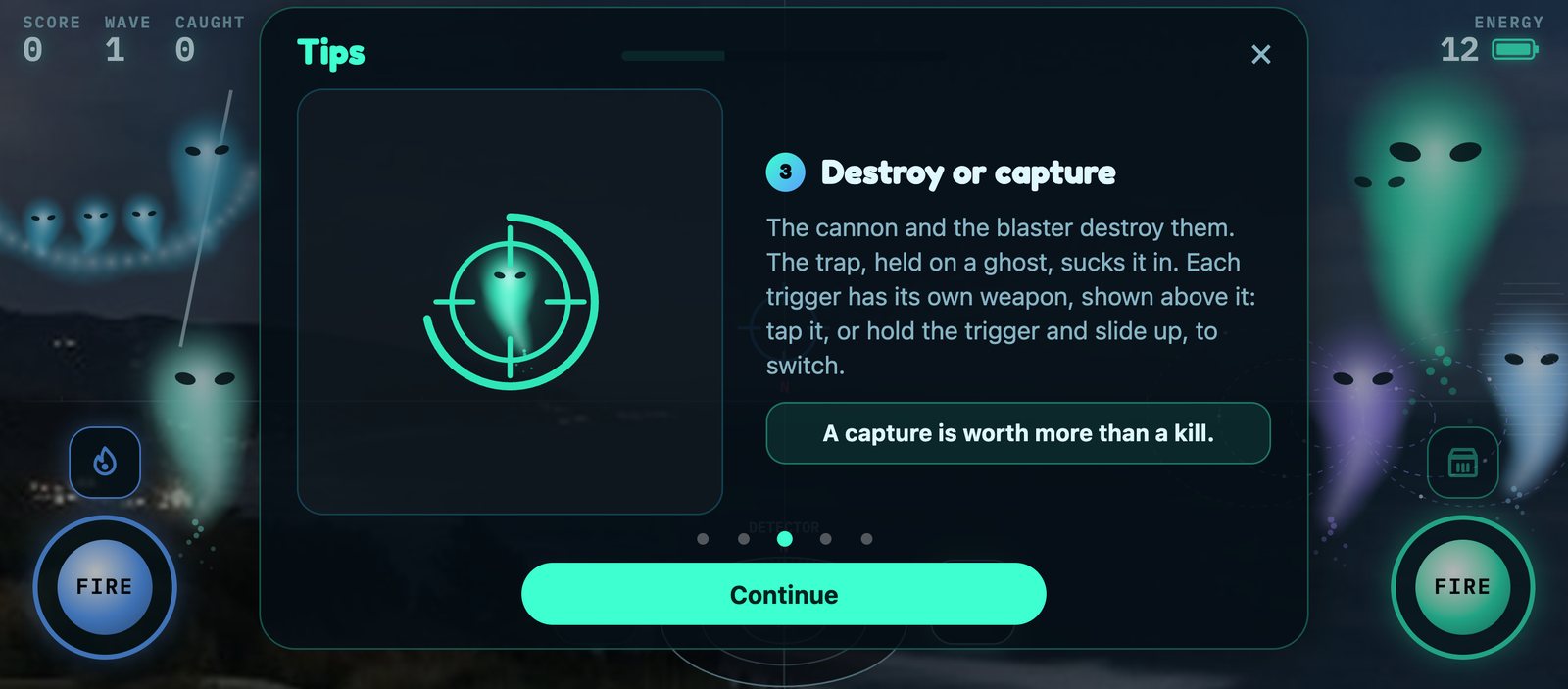
0ghost Reloaded is a ghost hunt all around you, played in landscape on a phone or tablet. Turn on the spot, or drag the screen, to face them, then destroy them with the ectoplasm cannon or the blaster, or capture them with the trap and the net, before they reach you and drain your energy. A ghost detector at the bottom of the screen shows where they are, even behind you.
Eight species of ghost arrive wave after wave, each with its own trick, and each whispers its name as it closes in. Turn on the camera and they haunt your own surroundings; take a ghost selfie with the ghosts you've caught floating behind you, and share it.
0ghost Reloaded remakes 0cog's 0ghost (2009) for today's phones. It's on the App Store for iPhone and iPad and on Google Play for Android, and plays free in your phone's browser, where it installs to your home screen; on a computer, the website shows a QR code to play on your phone.
Features
- Destroy or capture: an ectoplasm cannon, a blaster, a trap and a net
- Eight ghost species over eight waves, each whispering its name
- Turn with your phone, or drag the screen, to look all around you
- Camera mode: the ghosts haunt your own surroundings
- Ghost selfies with the ghosts you've caught, to share
- On the App Store, on Google Play, and free in your phone's browser
- English and French
- No accounts, no ads, no analytics
Help
Camera not working?
If the camera doesn't come on for the camera mode or a ghost selfie, the game needs your permission to use it.
In the iPhone or iPad app: turn on Camera in Settings › 0ghost Reloaded. iOS asks only once, so after a "Don't Allow" it has to be turned on there. The game also shows an Open Settings button when the camera is off.
In the browser: with the game open, allow the camera in the browser's site settings. In Safari on iPhone, tap the aA (page settings) button › Website Settings › Camera › Allow. In Chrome, tap the icon left of the address › Permissions › Camera.